Windows vs. MacBook: Compare & Pick the Right Laptop for You

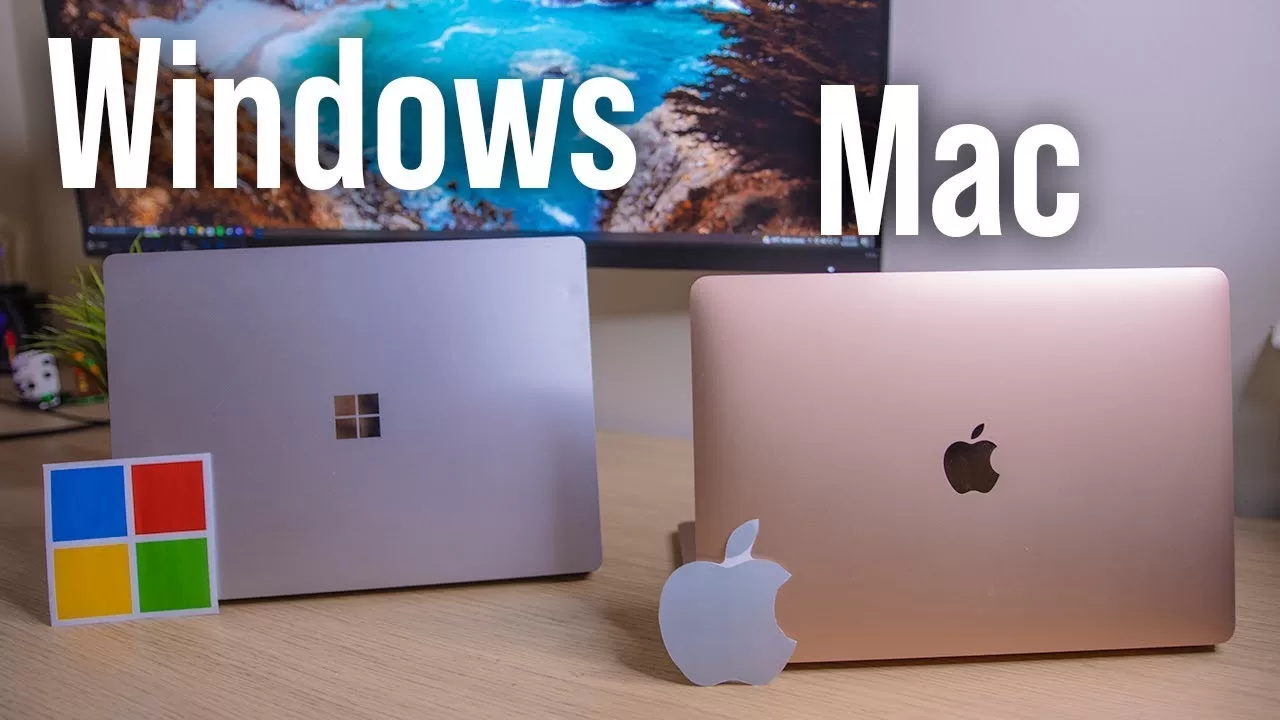
When it comes to buying a new laptop, one common debate always comes up: Windows laptop or MacBook? Both are powerful and widely used, but the best choice depends on your needs, budget, and lifestyle. In this article, we’ll break down the differences so you can make an informed decision.
1. Design & Build Quality
- MacBook: Premium aluminum body, slim, lightweight, and elegant.
- Windows Laptops: Wide variety — ultrabooks, gaming laptops, and budget-friendly models.
👉 If you prefer style and premium feel, MacBook wins.
👉 If you want variety and budget flexibility, Windows laptops are better.
2. Performance
- MacBook (M1/M2 chips): Fast, energy-efficient, perfect for creative professionals.
- Windows laptops: From basic budget models to high-performance gaming laptops with Intel i9 / Ryzen 9 processors.
👉 For speed & stability, MacBook.
👉 For customization & gaming, Windows.
3. Software & Operating System
- macOS: Clean, stable, virus-resistant, works only on Apple devices.
- Windows 11: More versatile, compatible with almost all software and games.
4. Battery Life
- MacBook: 12–15 hours on a single charge.
- Windows laptops: Varies — 4–12 hours depending on model.
✅ Winner: MacBook for consistent battery.
5. Price & Value
- MacBook: Starts from $999+, premium investment.
- Windows laptops: Wide range — from $400 budget laptops to $2000+ high-end machines.
👉 Windows = More affordable options.
👉 MacBook = Premium investment.
6. Gaming
- MacBook: Limited gaming support.
- Windows laptops: Best for gaming, supports NVIDIA & AMD GPUs.
✅ Winner: Windows laptops.
7. Upgrades & Repair
- MacBook: Limited upgrades, costly repair.
- Windows laptops: Flexible, easy to upgrade RAM & storage.
8. Ecosystem & Integration
- Apple Ecosystem: Seamless with iPhone, iPad, Apple Watch.
- Windows: Good with Office, OneDrive, Xbox, but less smooth.
9. Security
- MacBook: Strong built-in security.
- Windows: Improved but more targeted by malware.
✅ Winner: MacBook.
10. Support & Warranty
- Apple: Excellent global support.
- Windows brands: Vary by manufacturer (Dell, HP, Lenovo, etc.).
Final Verdict
Both Windows laptops and MacBooks are excellent choices.
👉 Go for a MacBook if you want premium design, long battery life, and seamless Apple ecosystem.
👉 Choose a Windows laptop if you want budget options, flexibility, and gaming performance.
No matter which one you pick, you’ll have a reliable laptop that meets your needs.
FAQs – Windows vs. MacBook
Q#1. Which is better for students, Windows or MacBook?
Both are good options. If you need an affordable laptop for notes, browsing, and assignments, a Windows laptop is budget-friendly. If you want premium design, long battery, and smooth performance, a MacBook is worth it.
Q#2. Do MacBooks last longer than Windows laptops?
Yes, generally MacBooks last 5–7 years with regular use. Windows laptops’ lifespan depends on the brand and model but usually ranges from 3–6 years.
Q#3. Are Windows laptops good for gaming?
Yes. Windows laptops are the best choice for gaming, especially models with NVIDIA or AMD graphics cards. MacBooks are not designed for heavy gaming.
Q#4. Which laptop has better battery life?
MacBooks have excellent battery life, usually 12–15 hours. High-performance Windows laptops last less (4–8 hours), but ultrabooks like Dell XPS can last up to 10–12 hours.
Q#5. Can I upgrade RAM and storage on MacBooks?
No. Most MacBooks have soldered RAM and storage, making upgrades difficult. Windows laptops often allow RAM and SSD upgrades, which makes them more flexible.
Contact Us
Looking for the best deals on laptops in Toronto? We’ve got you covered!
📍 Address: 2680 Danforth Ave, Toronto, Ontario, M4C 1L7
📞 Phone: (647) 343-1655
Our team can help you choose the perfect Windows laptop or MacBook for your needs. Visit us today and explore the latest options at the best prices.